RSM Web is the browser-based rewrite of Rust Server Manager (RSM). Install it once on the Windows or Linux machine already running your Rust dedicated server — server control, player moderation, mods, wipes and Discord all live in the same panel after that, reached from any browser, on any device, with nothing extra on your own desktop.

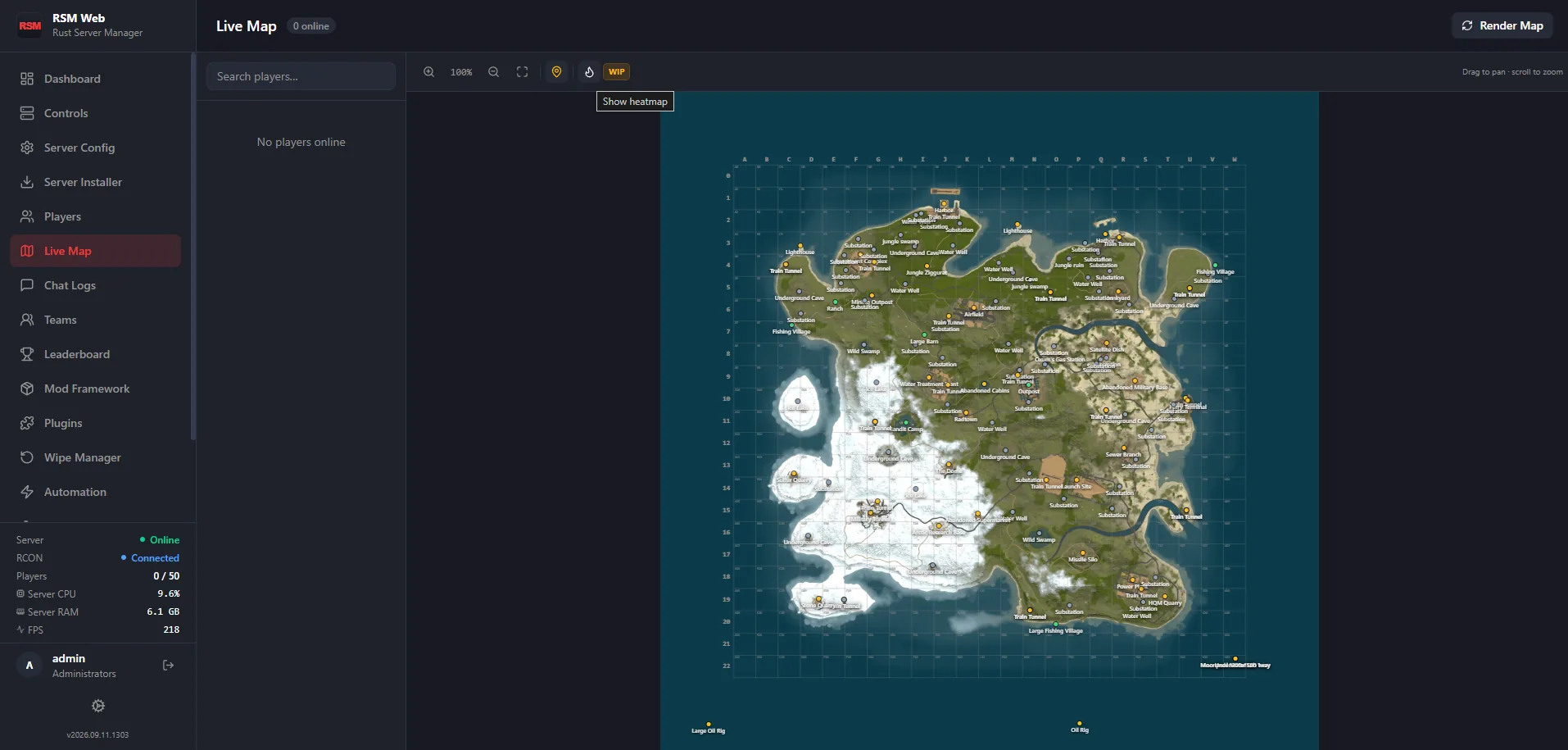
No separate tools bolted together — this is the actual module list inside RSM Web today. See each one in detail →
Build your own view from drag-and-resize cards — console, controls, quick commands, metric charts and gauges, map, player list, live activity. Save multiple views, private or shared with your team.
Start, stop and restart with live CPU/RAM stats, a streaming console and 7 days of metrics charts.
Install and update the dedicated server via DepotDownloader, no manual SteamCMD.
Edit the full server config and convars from the browser.
Browse, edit, upload and download server files, and follow logs live, without FTP.
Scheduled restarts, chat commands, crash recovery, Discord posts and unattended Rust updates — from templates or your own rules.
Schedule map wipes with backup and update options, including Facepunch's monthly forced wipe.
One-click updates with release notes, and one click back to the previous version.
Live online/offline rosters, kick/ban/timed mute, auth levels, IP/VPN/country flags, and a history of every ban, kick, mute and staff change.
Record a player's game as a Rust demo — for a set time, until they leave, or every time they join — then download it and watch it in Rust.
Real-time player positions plotted over your server's actual map.
Every in-game message captured and searchable — global, team, local and clan.
F7 player reports and feedback with their screenshots, in one inbox with context on each.
Every in-game team, who leads it and who's in it — promote, kick or disband.
Every in-game clan, its roles and invites — change a member's role, kick or disband.
Kills, deaths, K/D and headshot percentage ranked over any date range.
Switch between uMod/Oxide and Carbon, including framework-specific configuration.
Browse and install from uMod and Codefling, upload your own, edit plugin JSON configs.
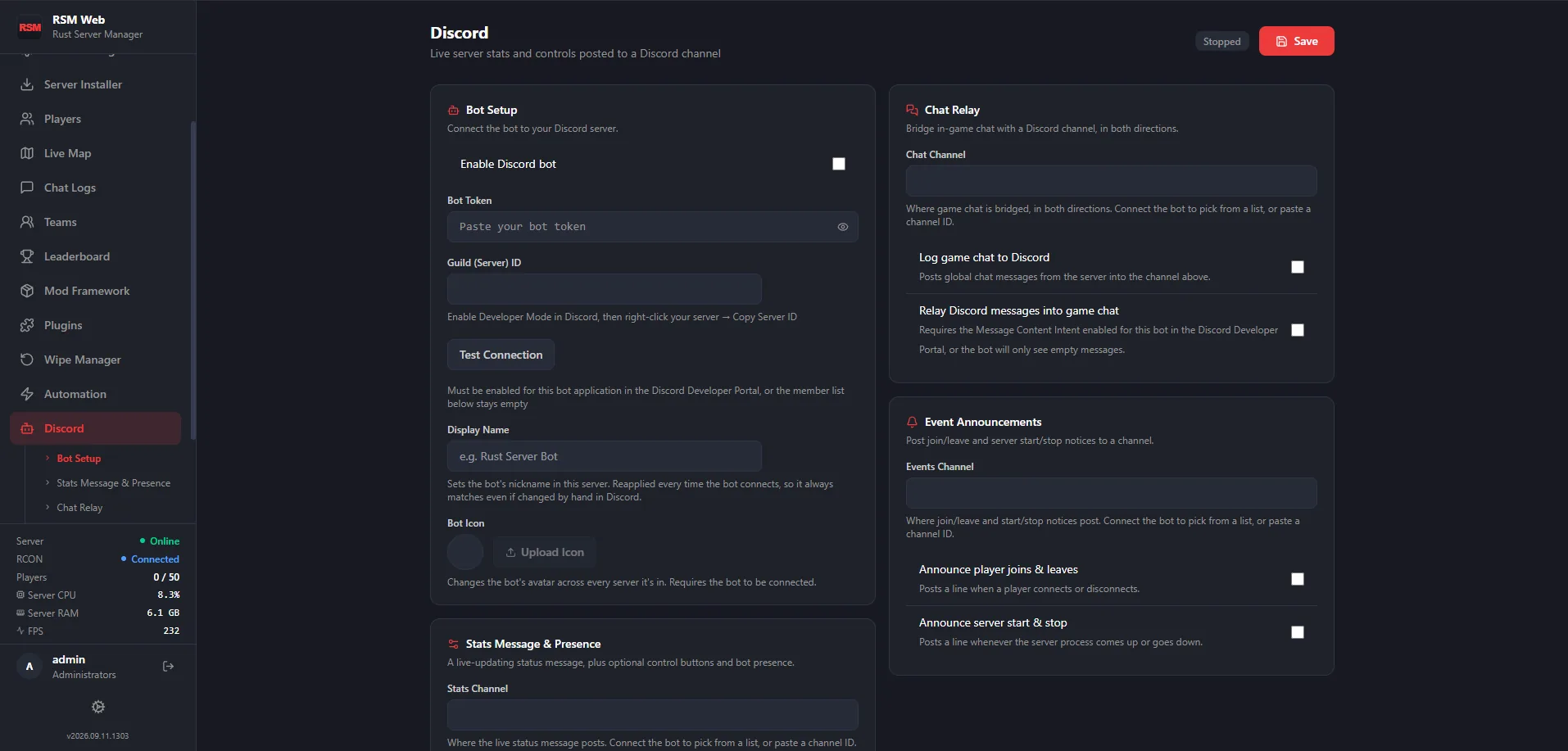
A bot posts live stats and presence, relays chat, announces events, and maps Discord members onto RSM permission groups.
Multiple accounts, each with a none/view/manage level per module.
A searchable Markdown wiki for server docs, SOPs and staff notes.
API keys with per-module permissions for your own scripts and bots. API reference
Live rosters for who's online and who's been on before, with IP/VPN/OS/country flags and auth levels. Click a player for kick, ban, timed mute and teleport — the moderation actions you'd otherwise type into RCON one at a time — next to their full history of bans, kicks and mutes, and who on your staff did each one. Not sure about someone? Record a demo of them and watch it back in Rust.
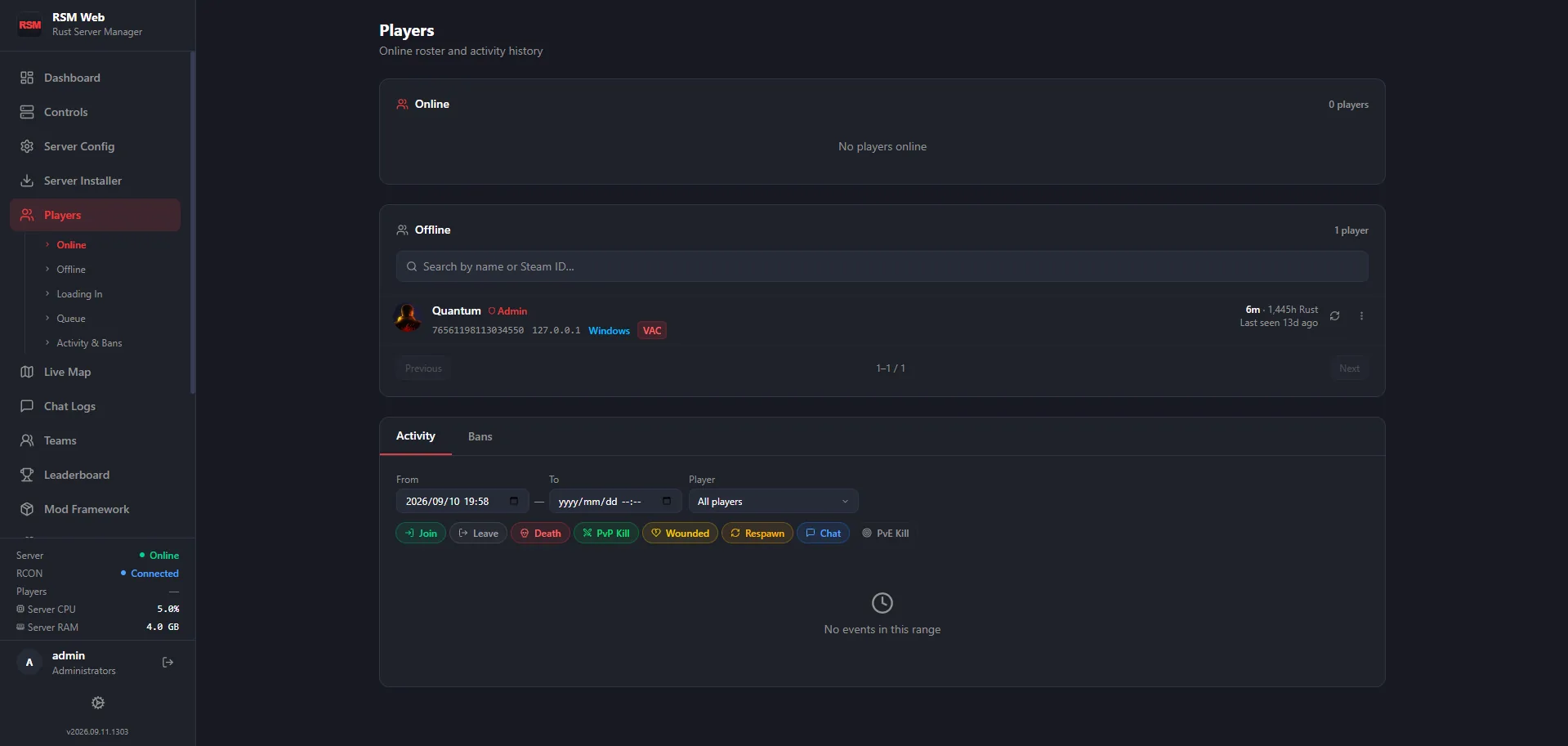
The live map plots real-time player positions over your server's actual map — useful for spotting a raid in progress or just seeing where the population is clustered, without alt-tabbing into RCON.
Move between uMod/Oxide and Carbon including framework-specific configuration, then browse and install plugins from uMod and Codefling — or upload your own and edit plugin JSON configs directly, instead of hand-editing files over FTP.


Post a live-updating stats and presence message, relay server chat into a Discord channel, announce events automatically, and assign RSM permission groups directly to Discord server members — no separate bot to configure by hand.
RSM is short for Rust Server Manager. RSM FMX (RSMFMX, or Rust Server Manager FMX) is the original desktop app; RSM Web (RSMWeb) is its browser-based successor for running a Rust dedicated server. Existing RSM FMX customers get RSM Web at no extra cost.
Yes — RSM Web is the browser-based rewrite. It runs on the same box as your Rust dedicated server rather than on your own desktop, and covers the same ground: server control, player moderation, mods, wipes and Discord, all from one panel reached over your browser.
Both. Switch between them from the panel, including framework-specific configuration, and browse or install plugins from uMod and Codefling without leaving the browser.
No. A license is €20 once, covering three machines, with no renewal date and nothing to cancel. An extra machine beyond that is €5, also once. See pricing for the full breakdown.
Both — RSM Web runs on either.
A license covers up to three machines at a time. Connecting a fourth asks you to sign one of the existing three out first, or add machines to your account for €5 each.
 Rust Server Manager